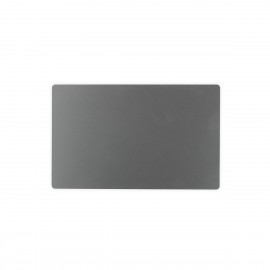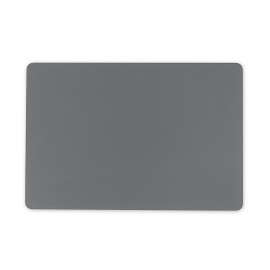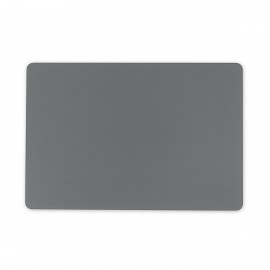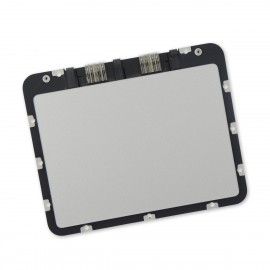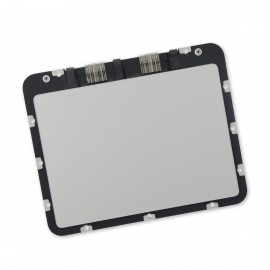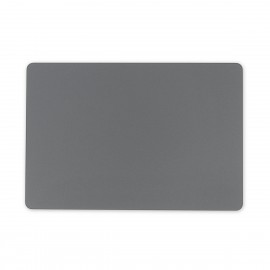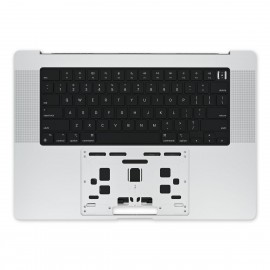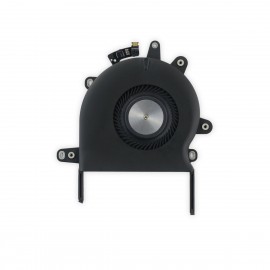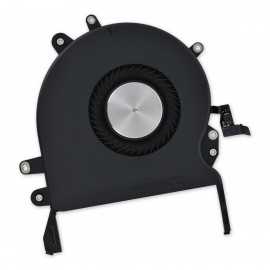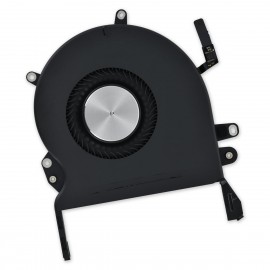
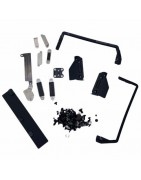
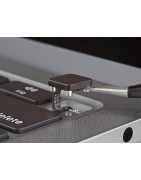
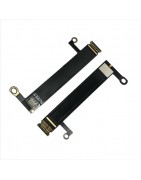
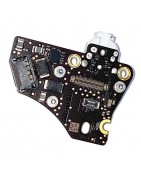
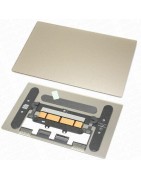
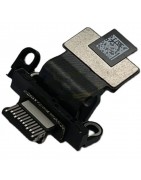
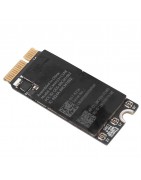
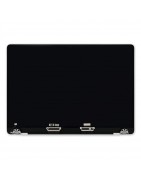
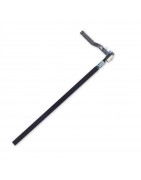
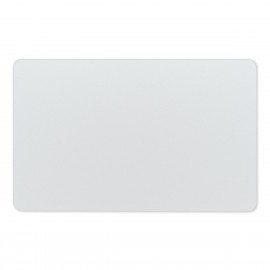
MacBook Pro 16" (2019) Trackpad
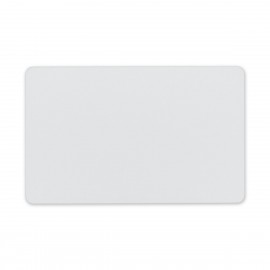
Replace a damaged or malfunctioning trackpad compatible with a 2019 model MacBook Pro 16" laptop.
Pakistan Largest Apple Mac Parts Store
Categories
Categories
Color
Color
Capacity - GB
Capacity - GB
Macbook
Macbook
Price
Price
Rs0.00 - Rs70,000.00
Active filters
Replace a damaged or malfunctioning trackpad compatible with a 2019 model MacBook Pro 16" laptop.
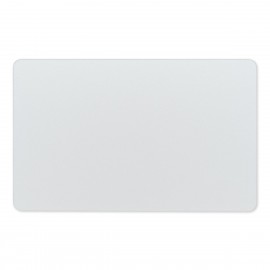
Replace a damaged or malfunctioning trackpad compatible with a 2021 model A2485 MacBook Pro 16" laptop.
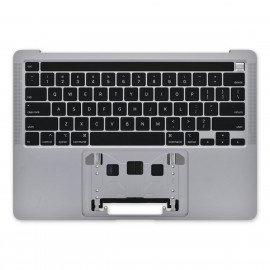
Replace a damaged or malfunctioning trackpad compatible with a 2021 model A2442 MacBook Pro 14" laptop.
Replace a damaged trackpad and restore the touch sensitivity of your Late 2016 to 2019 model MacBook Pro 15" with Retina Display and Touch Bar.
Replace a scratched or malfunctioning trackpad compatible with a Late 2020 model A2338 MacBook Pro 13" with Two Thunderbolt Ports.
Replace a damaged trackpad and restore the touch sensitivity of your Early 2020 MacBook Air 13". A worn out trackpad may have cosmetic scratches or a cracked surface causing it to malfunction. In addition, an aging trackpad may become unresponsive making your laptop difficult to control.
Replace a damaged trackpad and restore the touch sensitivity of your Late 2013 or Mid 2014 model 13" MacBook Pro with Retina display.
Replace a damaged trackpad and restore the touch sensitivity of your Late 2018 to 2019 MacBook Air 13". A worn out trackpad may have cosmetic scratches or a cracked surface causing it to malfunction. In addition, an aging trackpad may become unresponsive making your laptop difficult to control.
Replace a damaged trackpad and restore the touch sensitivity of your MacBook Pro 13" Retina (Early 2015).
Replace a damaged trackpad and restore the touch sensitivity of your Mid 2015 MacBook Pro 15" with Retina Display.
Replace a damaged trackpad and restore the touch sensitivity of your Late 2020 MacBook Air 13". A worn out trackpad may have cosmetic scratches or a cracked surface causing it to malfunction. In addition, an aging trackpad may become unresponsive making your laptop difficult to control.
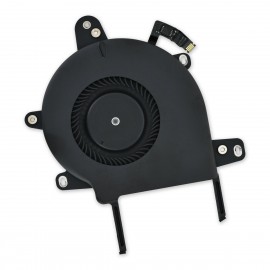
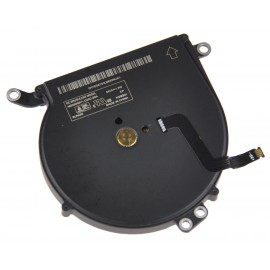
An aging fan may become noisy and inefficient or simply fail and stop spinning, leaving your laptop to overheat and eventually damaging your processors. Replace a defective fan to fix overheating problems or to keep your MacBook Pro 13" Retina (A1708, A2159) running quietly.
Replace a damaged trackpad and restore the touch sensitivity of your Mid 2013 to 2017 MacBook Air 13" laptop.
A worn out trackpad may have cosmetic scratches or a cracked surface causing it to malfunction. In addition, an aging trackpad may become unresponsive making your laptop difficult to control.
An aging fan may become noisy and inefficient or simply fail and stop spinning, leaving your laptop to overheat and eventually damaging your processors. Replace a defective fan to fix overheating problems or to keep your 2020 model A2289 or A2338 13" MacBook Pro with two Thunderbolt ports running quietly.
An aging fan may become noisy and inefficient or simply fail and stop spinning, leaving your laptop to overheat and eventually damaging your processors. Replace a defective fan to fix overheating problems or to keep your 2020 model A2251 13" MacBook Pro laptop running quietly.
If your screen is facing you, this is the fan on the left side of the machine. Includes fan and surrounding metal bracket.
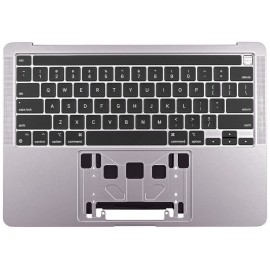
Replace a scratched or dented upper case, malfunctioning keyboard, or dead battery with this upper case assembly compatible with a 2020 model A2251 MacBook Pro 13 inch laptop with four Thunderbolt Ports.
An aging fan may become noisy and inefficient or simply fail and stop spinning, leaving your laptop to overheat and eventually damaging your processors. Replace a defective left fan to fix overheating problems or to keep your 2021 model 16" MacBook Pro running quietly.
If your screen is facing you, this is the fan on the left side of the machine.
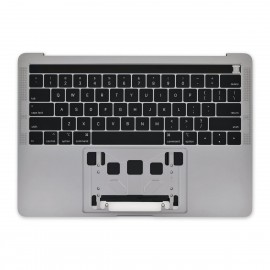
Replace a scratched or dented upper case, malfunctioning keyboard, or dead battery with this upper case assembly compatible with a 2020 model A2289 or A2338 MacBook Pro 13 inch laptop with two Thunderbolt Ports.
An aging fan may become noisy and inefficient or simply fail and stop spinning, leaving your laptop to overheat and eventually damaging your processors. Replace a defective left fan to fix overheating problems or to keep your 2021 model 16" MacBook Pro running quietly.
If your screen is facing you, this is the fan on the right side of the machine.
Replace a scratched or dented upper case, malfunctioning keyboard, or dead battery with this upper case assembly compatible with a 2019 model A2159 MacBook Pro 13 inch laptop with two Thunderbolt Ports.
An aging left fan may become noisy and inefficient or simply fail and stop spinning, leaving your laptop to overheat and eventually damaging your processors. Replace a defective left fan to fix overheating problems or to keep your 2021 model 14" MacBook Pro running quietly.
If your screen is facing you, this is the fan on the left side of the machine.
Replace an upper case and keyboard compatible with a late 2020 model A2337 MacBook Air 13 inch laptop. Includes the keyboard and palm rest area.
An aging right fan may become noisy and inefficient or simply fail and stop spinning, leaving your laptop to overheat and eventually damaging your processors. Replace a defective right fan to fix overheating problems or to keep your 2021 model 14" MacBook Pro running quietly.
If your screen is facing you, this is the fan on the right side of the machine.
Replace a dented or scratched upper case or a malfunctioning keyboard for your Early 2016 or 2017 12" MacBook laptop.
An aging left fan may become noisy and inefficient or simply fail and stop spinning, leaving your laptop to overheat and eventually damaging your processors. Replace a defective left fan to fix overheating problems or to keep your 2016 to 2019 13" MacBook Pro with Retina Display and Touch Bar running quietly.
Replace a scratched or dented upper case, malfunctioning keyboard, or dead battery with this upper case assembly compatible with a 2021 A2485 MacBook Pro 16" laptop.
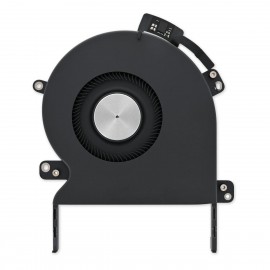
An aging fan may become noisy and inefficient or simply fail and stop spinning, leaving your laptop to overheat and eventually damaging your processors. Replace a defective fan to fix overheating problems or to keep your 2016 to 2019 model 13" MacBook Pro with Retina Display and Touch Bar running quietly.
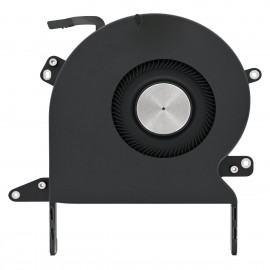
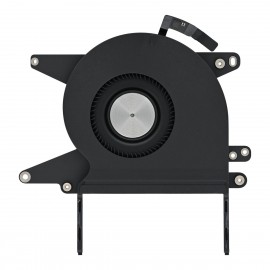
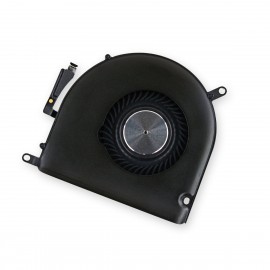
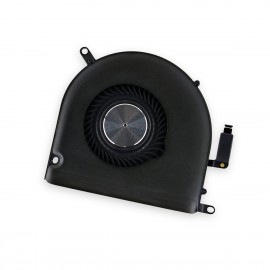
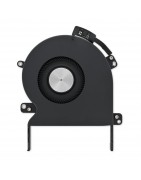
An aging right fan may become noisy and inefficient or simply fail and stop spinning, leaving your laptop to overheat and eventually damaging your processors. Replace a defective right fan to fix overheating problems or to keep your 2019 model 16" MacBook Pro running quietly.
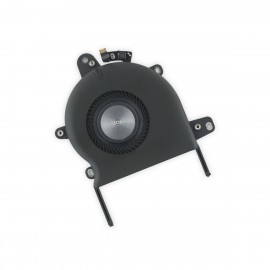
An aging left fan may become noisy and inefficient or simply fail and stop spinning, leaving your laptop to overheat and eventually damaging your processors. Replace a defective left fan to fix overheating problems or to keep your 2019 model 16" MacBook Pro running quietly.
If your screen is facing you, this is the fan on the left side of the machine.
Replace a dented or scratched upper case or a malfunctioning keyboard for your Early 2020 model MacBook Air 13"laptop.
An aging right fan may become noisy and inefficient or simply fail and stop spinning, leaving your laptop to overheat and eventually damaging your processors.
Replace a defective right fan to fix overheating problems or to keep your MacBook Pro 15" Retina (Late 2016-2019) running quietly.
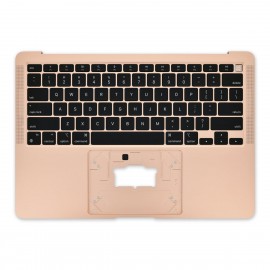
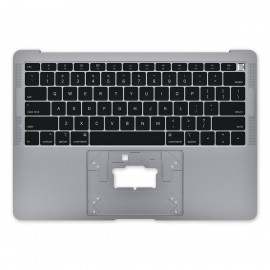
Replace a dented or scratched upper case or a malfunctioning keyboard for your Late 2018 or Mid 2019 model MacBook Air 13" laptop.
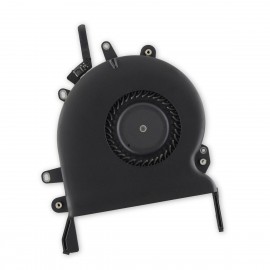
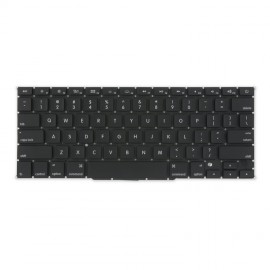
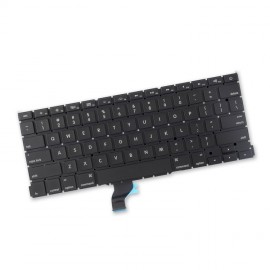
Replace a damaged, dirty, corroded, or malfunctioning keyboard compatible with a model A1708 13" MacBook Pro with Retina display and Function Keys from late 2016 or 2017.
An aging left fan may become noisy and inefficient or simply fail and stop spinning, leaving your laptop to overheat and eventually damaging your processors. Replace a defective left fan to fix overheating problems or to keep your 2016 to 2019 model 15" MacBook Pro with Retina Display running quietly.
Replace a dented or scratched upper case, malfunctioning keyboard, or malfunctioning Touch Bar in your Late 2016 to Mid 2017 MacBook Pro 13" Retina Touch Bar laptop.
Replace a damaged, dirty, corroded, or malfunctioning keyboard compatible with a model A1989 13" MacBook Pro with Retina display and Touch Bar from mid 2018 or a model A1990 15" MacBook Pro with Retina display from mid 2018.
Replace a broken, damaged, or otherwise underperforming fan compatible with MacBook Pro 13" Unibody (Mid 2010-Mid 2012) or MacBook 13" Unibody (all models) with this part.
Replace a scratched or dented upper case, a malfunctioning keyboard, or malfunctioning trackpad with this upper case assembly for your Early 2015 model 13" MacBook Pro laptop.
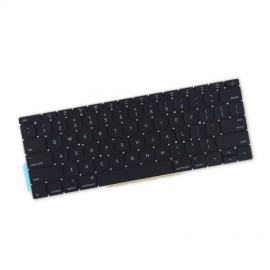
Replace a damaged, dirty, corroded, or malfunctioning keyboard compatible with a model A1706 13" MacBook Pro with Retina display and Touch Bar from late 2016 or 2017 or a model A1707 15" MacBook Pro with Retina display from Late 2016 or 2017.
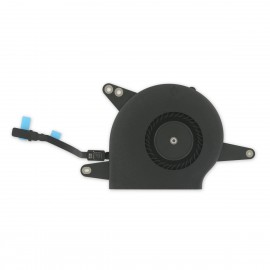
An aging fan may become noisy and inefficient or simply fail and stop spinning, leaving your Late 2018 to Early 2020 MacBook Air 13" to overheat and eventually damaging your processors. Replace a defective fan to fix overheating problems or to keep your laptop running quietly.
Replace a scratched or dented upper case or a malfunctioning keyboard compatible with a 2016 or 2017 model 15" MacBook Pro with Retina Display.
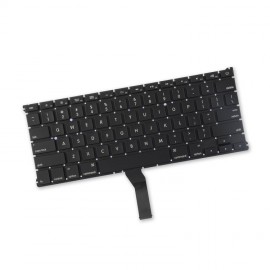
Replace a damaged, dirty, corroded, or malfunctioning keyboard compatible with a model A1369 13" MacBook Air from mid 2011 or a model A1466 13" MacBook Air from mid 2012 to Early 2015.
An aging left fan may become noisy and inefficient or simply fail and stop spinning, leaving your laptop to overheat and eventually damaging your processors. Replace a defective left fan to fix overheating problems or to keep your Late 2013 - Mid 2015 MacBook Pro 15" Retina running quietly.
Replace a dented or scratched upper case or malfunctioning keyboard in your 2016 or 2017 model MacBook Pro 13" Retina Function Keys laptop.
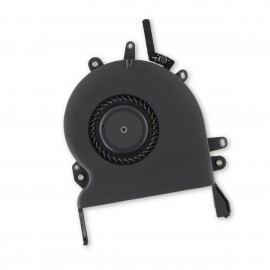
Replace a damaged, dirty, corroded, or malfunctioning keyboard compatible with a model A1398 15" MacBook Pro with Retina Display from Mid 2012 to mid 2015.
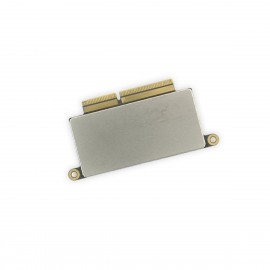
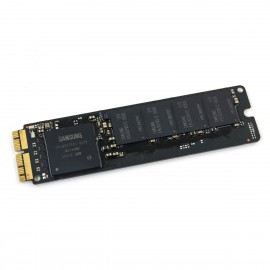
Replace or upgrade the SSD in your 2013-2015 MacBook Air 11", 2013-2017 MacBook Pro Retina 13", or 2015 MacBook Pro Retina 15" with this part.
All drives have been erased and do not have OS X installed.
Apple Part numbers are specific to solid-state drive capacity, refer to products options for details.
An aging left fan may become noisy and inefficient or simply fail and stop spinning, leaving your laptop to overheat and eventually damaging your processors. Replace a defective left fan to fix overheating problems or to keep your Late 2013 - Mid 2015 MacBook Pro 15" Retina running quietly.
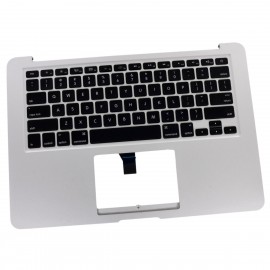
Replace a dented or scratched upper case and keyboard in your Mid 2013 to 2017 MacBook Air 13" laptop.
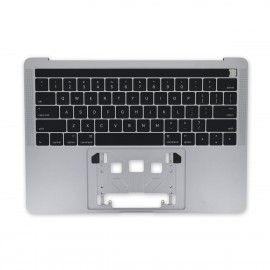
Replace a damaged, dirty, corroded, or malfunctioning keyboard compatible with a model A1502 13" MacBook Pro with Retina display from late 2013 to early 2015.
Replace or upgrade the SSD in your 2013-2015 MacBook Air 11", 2013-2017 MacBook Pro Retina 13", or 2015 MacBook Pro Retina 15" with this part.
All drives have been erased and do not have OS X installed.
Apple Part numbers are specific to solid-state drive capacity, refer to products options for details.
An aging fan may become noisy and inefficient or simply fail and stop spinning, leaving your Late 2010 to 2017 MacBook Air 13" to overheat and eventually damaging your processors. Replace a defective fan to fix overheating problems or to keep your laptop running quietly.
Replace a scratched or malfunctioning trackpad compatible with a model A1706, A1708, A1989, or A2159 MacBook Pro 13" with Retina Display.
Replace or upgrade the SSD in your laptop. This SSD is compatible with a Late 2013 or Mid 2014 MacBook Pro 13" Retina laptop.
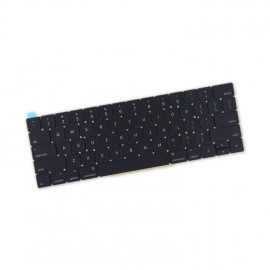
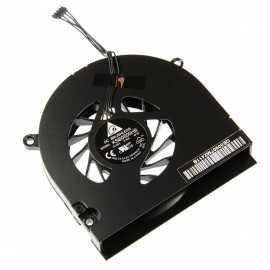
An aging fan may become noisy and inefficient or simply fail and stop spinning, leaving your laptop to overheat and eventually damaging your processors.
Replace a damaged trackpad and restore the touch sensitivity of your Mid 2009 to Mid 2012 MacBook Pro 13" Unibody. A worn out trackpad may have cosmetic scratches or a cracked surface causing it to malfunction. In addition, an aging trackpad may become unresponsive making your laptop difficult to control.