MacBook Air 11" (Mid 2013-Early 2015)...
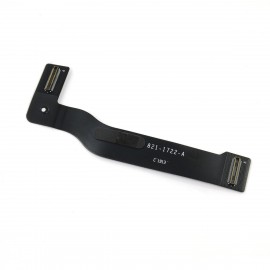
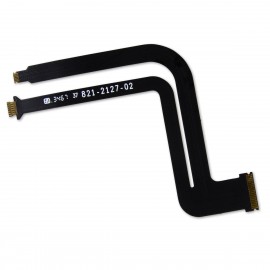
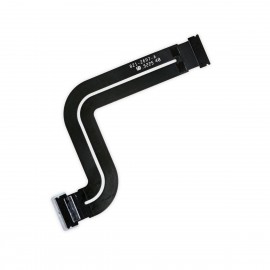
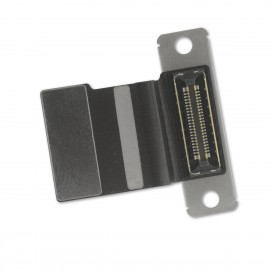
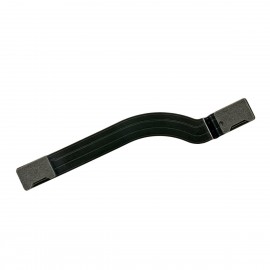
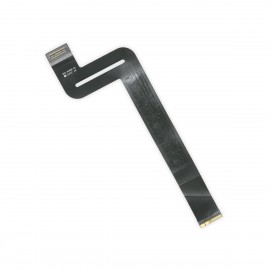
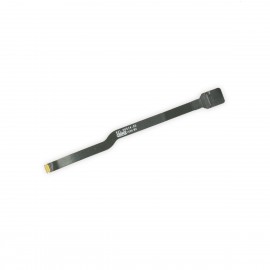
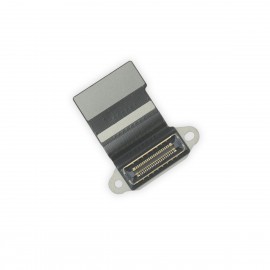
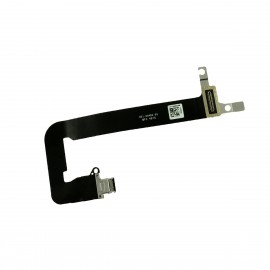
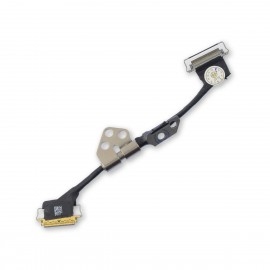
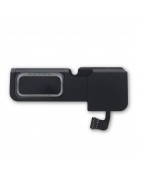
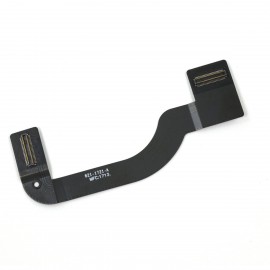
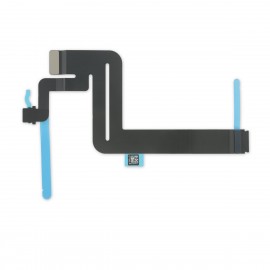
Replace a malfunctioning or torn I/O Board cable in your Mid 2013 to Early 2015 MacBook Air 11" laptop. Fix the connection between the I/O Board and the logic board.
Pakistan Largest Apple Mac Parts Store
Categories
Categories
Macbook
Macbook
Price
Price
Rs850.00 - Rs25,500.00
Active filters
Replace a malfunctioning or torn I/O Board cable in your Mid 2013 to Early 2015 MacBook Air 11" laptop. Fix the connection between the I/O Board and the logic board.
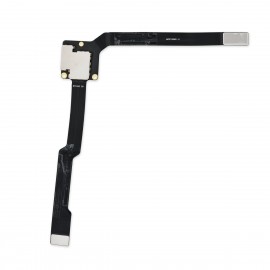
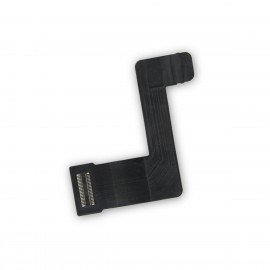
Replace a torn or damaged cable connecting the keyboard to the logic board. This cable is compatible with a 2016 or 2017 model 15" MacBook Pro with Retina Display.
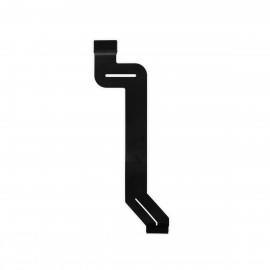
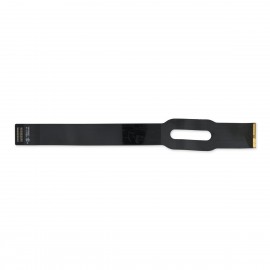
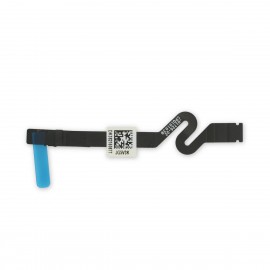
Replace a torn or damaged cable that connects the touch bar to the logic board. This cable is compatible with a 2016 to 2019 model 15" MacBook Pro with Retina Display.
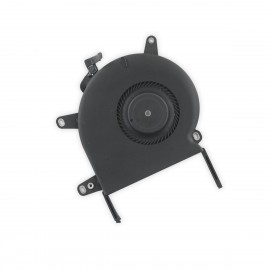
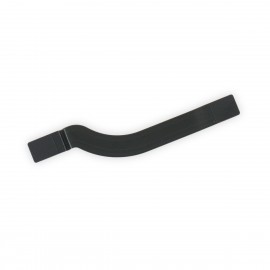
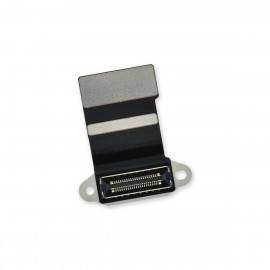
Replace a malfunctioning or torn I/O Board Cable in your Mid 2013 to 2017 13" MacBook Air laptop. Fix the connection between the I/O Board and the Logic Board.
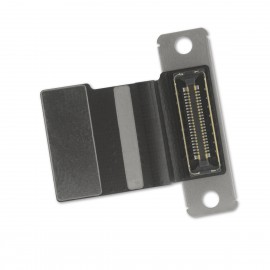
Replace a torn or damaged cable connecting the logic board to the audio daughterboard containing the headphone jack and connectors for one speaker and the Touch ID sensor.
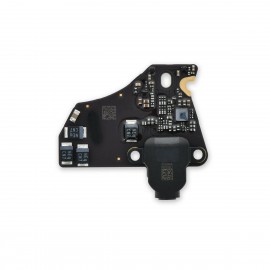
Replace a corroded, dirty, or damaged headphone jack by swapping in an audio daughterboard containing the headphone jack and connectors for one speaker and the Touch ID sensor.
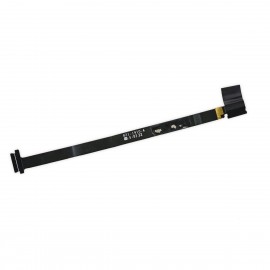
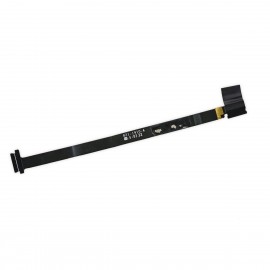
Replace a torn or damaged cable connecting the logic board to the audio daughterboard containing the headphone jack.
This cable connects the audio port to the logic board.
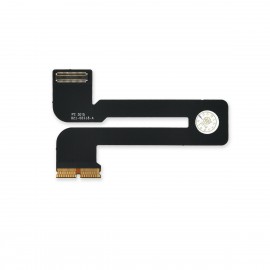
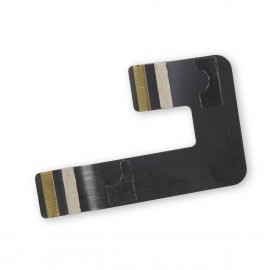
Replace a damaged or torn backlight cable inside the display assembly of an early 2015 A1534 model MacBook with Retina display.
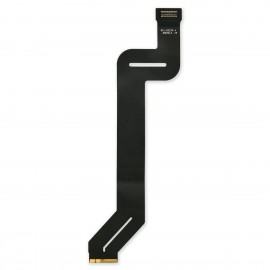
Replace a torn or damaged cable that connects the touch bar to the logic board. This cable is compatible with a 2019 model 16" MacBook Pro laptop.
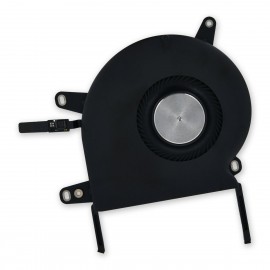
Replace the flex cable that connects the trackpad to the logic board compatible with the 2021 model A2485 MacBook Pro 16 inch laptop.
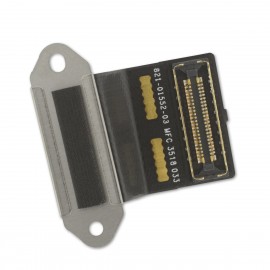
Replace a malfunctioning or torn I/O Board Cable in your Mid 2015 MacBook Pro 15" Retina laptop.
This cable is one of two that connect the I/O board with the logic board.
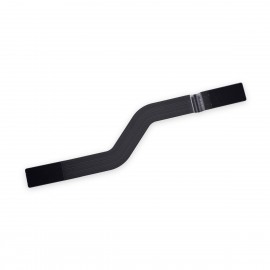
Reconnect your keyboard and trackpad so they can both get down to business. This cable connects the keyboard to the trackpad assembly and thereby to the logic board.
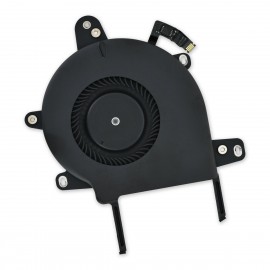
Replace a damaged or missing short flex cable that connects the display daughter board to the logic board. This cable is compatible with a 2016 to 2017 model A1706 13" MacBook Pro with Retina Display.
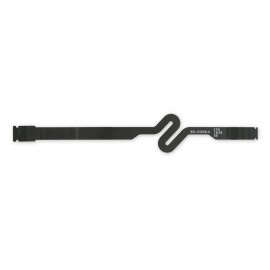
Replace a damaged or torn keyboard cable in a 2016 or 2017 model A1708 or 2019 model A2159 13" MacBook Pro with Retina Display and Function Keys.
Replace a damaged or missing short flex cable that connects the display daughter board to the logic board. This cable is compatible with a 2018 to 2020 model 13" MacBook Pro with Retina Display.
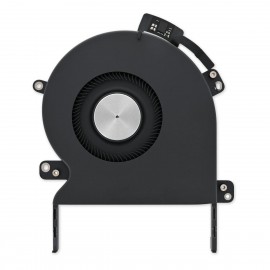
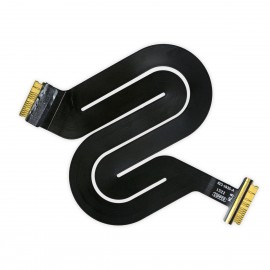
Replace a damaged or missing short flex cable that connects the display daughter board to the logic board. This cable is compatible with a 2020 model A2289 or A2338 13" MacBook Pro with two Thunderbolt ports.
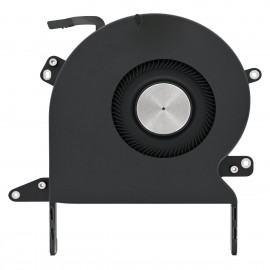
Replace the small flex cable that connects the battery daughter board to the logic board. This cable is compatible with a 2018 model 13" MacBook Pro with Retina Display.
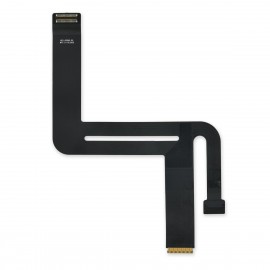
Replace a display cable with a damaged connector or torn cable compatible with a model A1932, A2179, or A2337 13" MacBook Air from late 2018 to late 2020.
Replace a malfunctioning or torn I/O Board Cable in your Late 2013 to Mid 2014 MacBook Pro 15" Retina laptop.
This cable is one of two that connect the I/O board with the logic board.
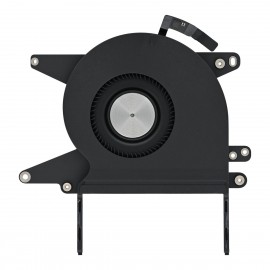
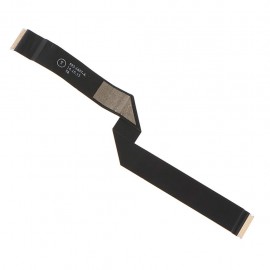
Replace the flex cable that connects the trackpad to the logic board of your Late 2013 to Mid 2014 MacBook Pro 13" Retina.
Replace a torn or malfunctioning flex cable that connects the trackpad to the logic board of your Late 2016 to 2019 model MacBook Pro 15" Retina Touch Bar laptop.
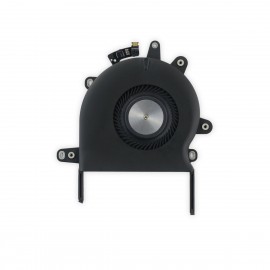
An aging fan may become noisy and inefficient or simply fail and stop spinning, leaving your laptop to overheat and eventually damaging your processors. Replace a defective fan to fix overheating problems or to keep your MacBook Pro 13" Retina (A1708, A2159) running quietly.
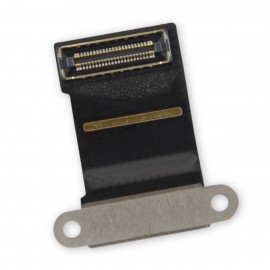
Replace a damaged flex cable that connects the display LCD to the logic board.
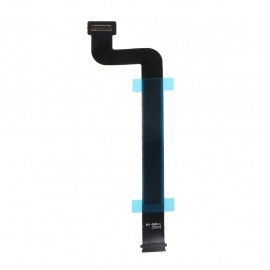
An aging fan may become noisy and inefficient or simply fail and stop spinning, leaving your laptop to overheat and eventually damaging your processors. Replace a defective fan to fix overheating problems or to keep your 2020 model A2289 or A2338 13" MacBook Pro with two Thunderbolt ports running quietly.
Replace a malfunctioning or torn I/O Board Cable in your Late 2013 to Early 2015 MacBook Pro 13" Retina laptop.
Fix the connection between the I/O Board and the Logic Board.
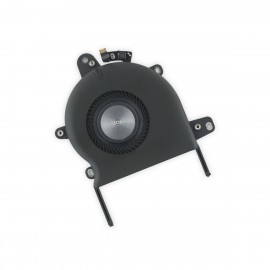
An aging fan may become noisy and inefficient or simply fail and stop spinning, leaving your laptop to overheat and eventually damaging your processors. Replace a defective fan to fix overheating problems or to keep your 2020 model A2251 13" MacBook Pro laptop running quietly.
If your screen is facing you, this is the fan on the left side of the machine. Includes fan and surrounding metal bracket.
Replace the small flex cable that connects the battery daughter board to the logic board. This cable is compatible with a 2018 to 2019 model 15" MacBook Pro with Retina Display.
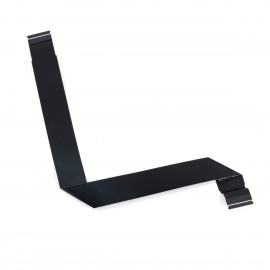
An aging fan may become noisy and inefficient or simply fail and stop spinning, leaving your laptop to overheat and eventually damaging your processors. Replace a defective left fan to fix overheating problems or to keep your 2021 model 16" MacBook Pro running quietly.
If your screen is facing you, this is the fan on the left side of the machine.
This IPD (Input Device) cable connects the trackpad assembly (and the keyboard through another cable) to the logic board.
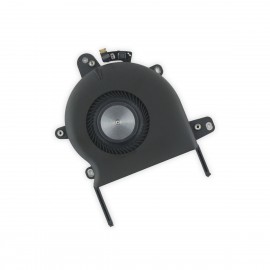
An aging fan may become noisy and inefficient or simply fail and stop spinning, leaving your laptop to overheat and eventually damaging your processors. Replace a defective left fan to fix overheating problems or to keep your 2021 model 16" MacBook Pro running quietly.
If your screen is facing you, this is the fan on the right side of the machine.
Replace a torn or damaged cable connecting the trackpad and keyboard to the logic board in your 2020 13" MacBook Air.
An aging left fan may become noisy and inefficient or simply fail and stop spinning, leaving your laptop to overheat and eventually damaging your processors. Replace a defective left fan to fix overheating problems or to keep your 2021 model 14" MacBook Pro running quietly.
If your screen is facing you, this is the fan on the left side of the machine.
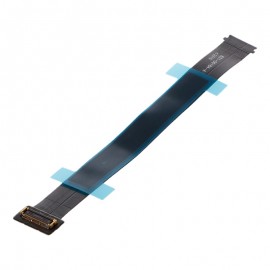
Replace a damaged or torn flex cable that connects the trackpad to the logic board of your Mid 2015 MacBook Pro 15" Retina laptop.
An aging right fan may become noisy and inefficient or simply fail and stop spinning, leaving your laptop to overheat and eventually damaging your processors. Replace a defective right fan to fix overheating problems or to keep your 2021 model 14" MacBook Pro running quietly.
If your screen is facing you, this is the fan on the right side of the machine.
Replace a torn or damaged cable that connects the trackpad to the logic board in your Mid 2013 to 2017 13" MacBook Air.
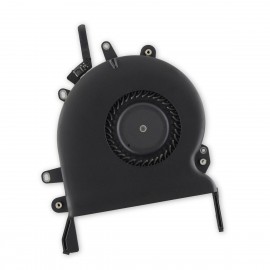
An aging left fan may become noisy and inefficient or simply fail and stop spinning, leaving your laptop to overheat and eventually damaging your processors. Replace a defective left fan to fix overheating problems or to keep your 2016 to 2019 13" MacBook Pro with Retina Display and Touch Bar running quietly.
Replace a torn or damaged cable connecting the trackpad and keyboard to the logic board in your model A1932 Late 2018 or Mid 2019 13" MacBook Air.
An aging fan may become noisy and inefficient or simply fail and stop spinning, leaving your laptop to overheat and eventually damaging your processors. Replace a defective fan to fix overheating problems or to keep your 2016 to 2019 model 13" MacBook Pro with Retina Display and Touch Bar running quietly.
Replace the short flex cable that connects the display daughter board to the logic board. This cable is compatible with a 2016 to 2019 15" model MacBook Pro with Retina Display.
An aging right fan may become noisy and inefficient or simply fail and stop spinning, leaving your laptop to overheat and eventually damaging your processors. Replace a defective right fan to fix overheating problems or to keep your 2019 model 16" MacBook Pro running quietly.
Replace the flex cable that connects the trackpad to the logic board compatible with models A1708, A2159, and A2289 MacBook Pro 13" Retina laptop.
An aging left fan may become noisy and inefficient or simply fail and stop spinning, leaving your laptop to overheat and eventually damaging your processors. Replace a defective left fan to fix overheating problems or to keep your 2019 model 16" MacBook Pro running quietly.
If your screen is facing you, this is the fan on the left side of the machine.
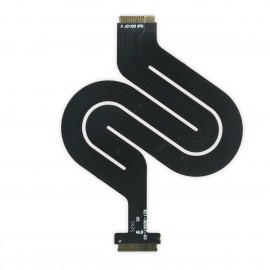
Replace the flex cable that connects the trackpad to the logic board in your Late 2016 to 2020 model MacBook Pro 13" Retina Touch Bar laptop.
An aging right fan may become noisy and inefficient or simply fail and stop spinning, leaving your laptop to overheat and eventually damaging your processors.
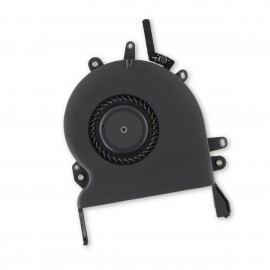
Replace a defective right fan to fix overheating problems or to keep your MacBook Pro 15" Retina (Late 2016-2019) running quietly.
This cable connects the trackpad assembly (and the keyboard through another cable) to the logic board.
An aging left fan may become noisy and inefficient or simply fail and stop spinning, leaving your laptop to overheat and eventually damaging your processors. Replace a defective left fan to fix overheating problems or to keep your 2016 to 2019 model 15" MacBook Pro with Retina Display running quietly.
Replace the small flex cable that connects the battery daughter board to the logic board. This cable is compatible with a 2016 or 2017 model A1708 or a 2019 model A2159 13" MacBook Pro with Retina Display and function keys.
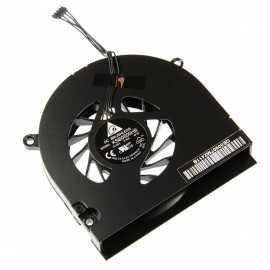
Replace a broken, damaged, or otherwise underperforming fan compatible with MacBook Pro 13" Unibody (Mid 2010-Mid 2012) or MacBook 13" Unibody (all models) with this part.
Replace the short flex cable that connects the display daughter board to the logic board. This cable is compatible with a 2016 or 2017 model A1708 or 2019 model A2159 13" MacBook Pro with Retina Display and Touch Bar.
An aging fan may become noisy and inefficient or simply fail and stop spinning, leaving your Late 2018 to Early 2020 MacBook Air 13" to overheat and eventually damaging your processors. Replace a defective fan to fix overheating problems or to keep your laptop running quietly.
Replace a torn or damaged flex cable that connects the trackpad to the logic board in your Late 2015 model A1502 MacBook Pro 13" Retina laptop.
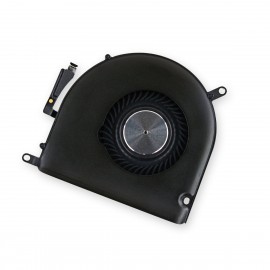
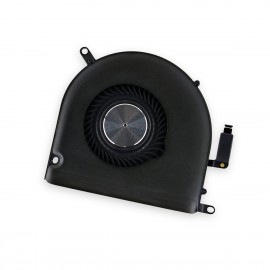
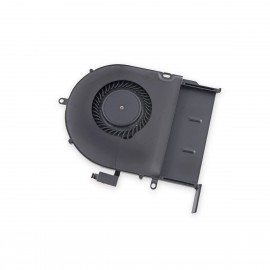
An aging left fan may become noisy and inefficient or simply fail and stop spinning, leaving your laptop to overheat and eventually damaging your processors. Replace a defective left fan to fix overheating problems or to keep your Late 2013 - Mid 2015 MacBook Pro 15" Retina running quietly.
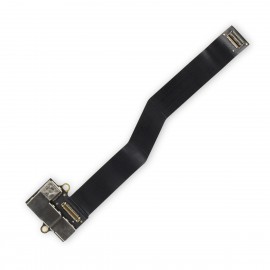
Replace a damaged or corroded USB-C port and the flex cable that attaches it to the logic board in an early 2016 or 2017 model 12" Retina MacBook.
An aging left fan may become noisy and inefficient or simply fail and stop spinning, leaving your laptop to overheat and eventually damaging your processors. Replace a defective left fan to fix overheating problems or to keep your Late 2013 - Mid 2015 MacBook Pro 15" Retina running quietly.
Replace a damaged connector or torn LVDS display cable. Compatible with a model A1398, A1425, A1502, 13" or 15" MacBook Pro with Retina display from 2012 to 2015.
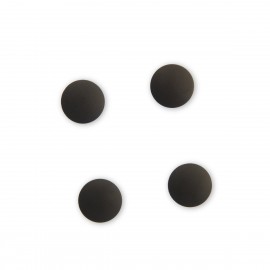
Replace missing or damaged black plastic feet on the lower case of your laptop.
Each set includes four plastic feet.
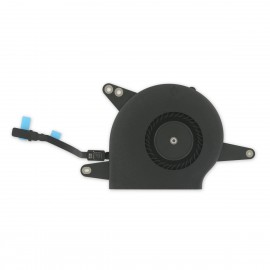
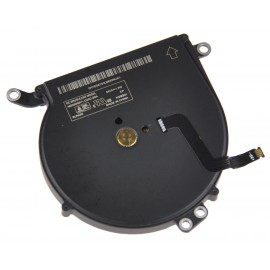
An aging fan may become noisy and inefficient or simply fail and stop spinning, leaving your Late 2010 to 2017 MacBook Air 13" to overheat and eventually damaging your processors. Replace a defective fan to fix overheating problems or to keep your laptop running quietly.
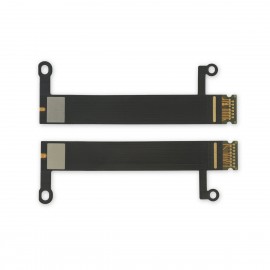
Replace the two flex cables are microsoldered to the display backlight and connect to the display daughter board.
An aging fan may become noisy and inefficient or simply fail and stop spinning, leaving your laptop to overheat and eventually damaging your processors.