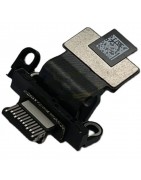
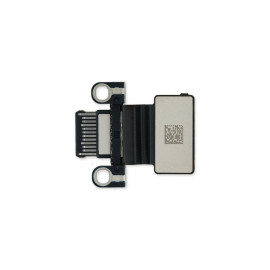
MacBook Air M2 2022 (A2681) USB-C Board
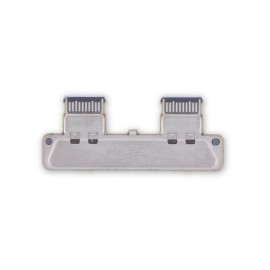
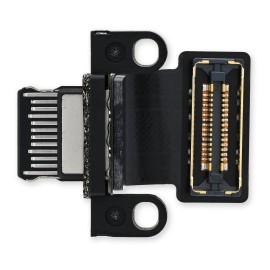
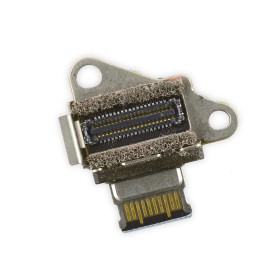
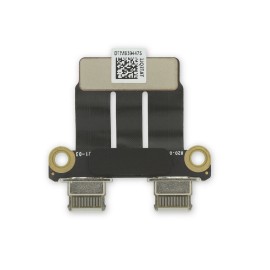
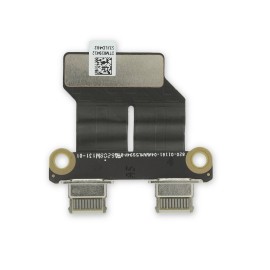
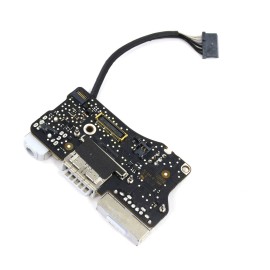
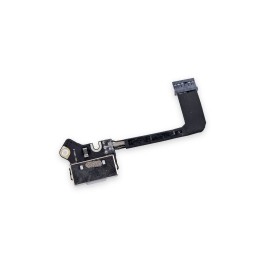
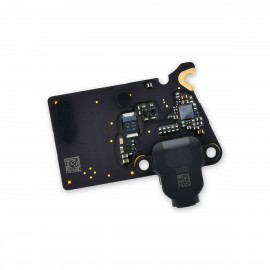
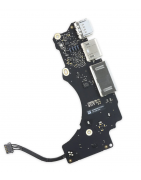
Replace a dirty, corroded, or damaged USB-C connector board compatible with a model A2681 MacBook Air M2 2022 laptop.
Pakistan Largest Apple Mac Parts Store
Categories
Categories
Brand
Brand
Condition
Condition
Capacity - GB
Capacity - GB
Macbook
Macbook
Price
Price
Rs3,500.00 - Rs41,300.00
Active filters
Replace a dirty, corroded, or damaged USB-C connector board compatible with a model A2681 MacBook Air M2 2022 laptop.
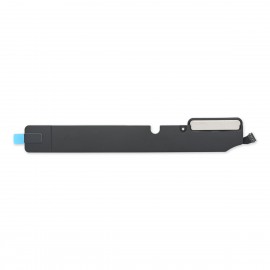
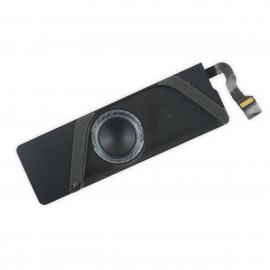
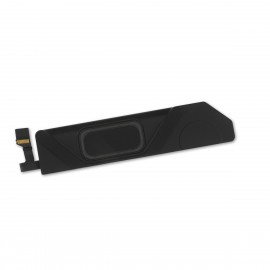
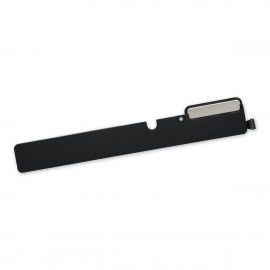
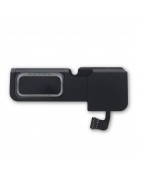
Replace a speaker in your model A2681 MacBook Air M2 2022 laptop and fix issues with sound output.
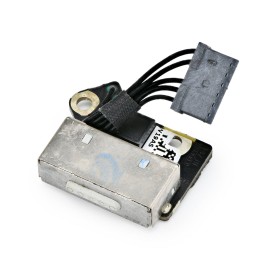
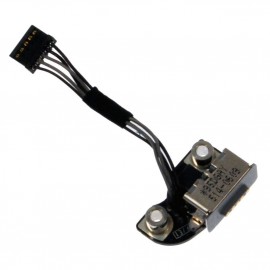
Replace a MagSafe socket compatible with a model A2681 MacBook Air M2 2022 laptop. Fix problems with charging.
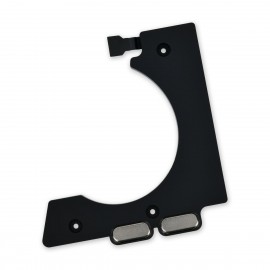
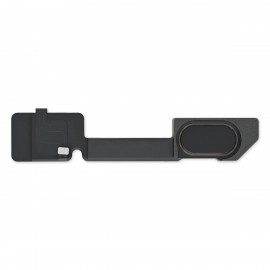
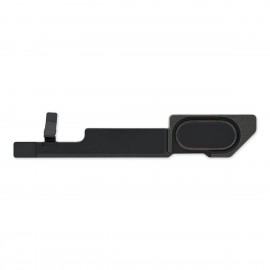
Replace low frequency speaker and fix issues with sound output.
Replace a damaged, dirty, or corroded thunderbolt connector board on the left side of your laptop. Compatible with a 2016 or 2017 model A1708 13" MacBook Pro with no Touch Bar. This connector board is soldered to the logic board.
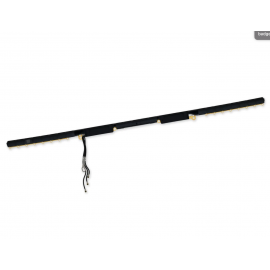
Replace low frequency speaker and fix issues with sound output.
Replace a damaged Thunderbolt USB-C port in a MacBook Pro 14" (2021 A2442) or 16" (2021 A2485) laptop.
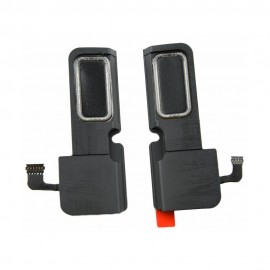
Replace low frequency speaker and fix issues with sound output.
Replace the single USB-C port in your MacBook Retina.
Replace low frequency speaker and fix issues with sound output.
Replace one of the thunderbolt connector boards from the left or right side of your laptop. This part is compatible with a 2016 or 2017 model 13" or 15" MacBook Pro with Retina Display and Touch Bar.
Replace low frequency speaker and fix issues with sound output.
Replace one of the thunderbolt connector boards from the left or right side of your laptop. Compatible with specific models of 2018 to 2020 13", 15", and 16" MacBook Pro laptops.
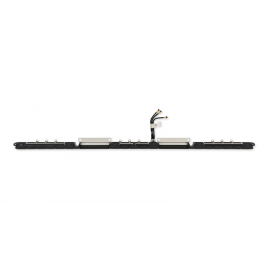
Replace low frequency speaker and fix issues with sound output.
Replace a dirty, corroded, or damaged USB-C connector board from the left side of your laptop. This part is compatible with a Late 2018 to Late 2020 13" MacBook Air.
Replace low frequency speaker and fix issues with sound output.
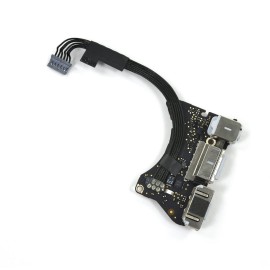
Replace a damaged or corroded I/O board for your Mid 2013 to Early 2015 MacBook Air 11" and fix problems with charging, audio, and data connections. Includes the MagSafe 2 power, USB, and audio ports.
Replace low frequency speaker and fix issues with sound output.
Replace a broken or damaged MagSafe DC-in board for your Mid 2012 or Early 2013 MacBook Pro 15" Retina with this part. This part connects the wall adapter power to the logic board.
Replace a broken or damaged MagSafe DC-In board in your Mid 2009-Mid 2012 13" or 15" Unibody MacBook Pro laptop computer with this used part.
Replace a damaged or corroded I/O board for your Mid 2013 to 2017 MacBook Air 13" and fix problems with charging, audio, and data connections.
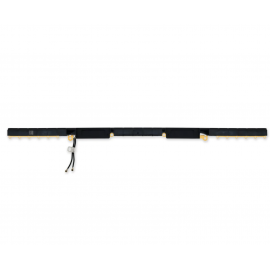
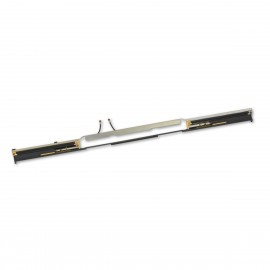
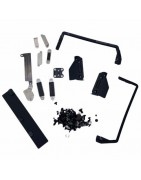
Replace the antenna bar compatible with the Late 2016 to 2020 13" Retina MacBook Pro laptop.
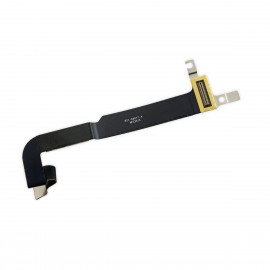
This bar fits along the back edge of the upper case and contains the Wi-Fi antennas.
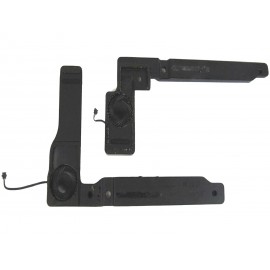
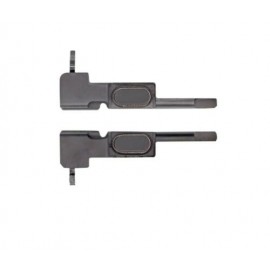
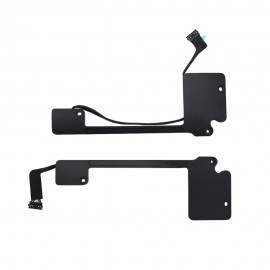
Replace a right and left speaker in your model A2337 late 2020 13" MacBook Air and fix issues with sound output.
Replace a broken or damaged MagSafe 2 DC-in board for your Late 2013 to Early 2015 MacBook Pro 13" Retina laptop with this part. This part connects the wall adapter power to the logic board.
Replace an antenna bar compatible with a 2020 model A2289 or A2338 13" MacBook Pro laptop with two Thunderbolt ports.
This bar fits along the back edge of the upper case and contains the Wi-Fi antennas.
Replace a broken or damaged MagSafe 2 DC-in board for your Late 2013 to Mid 2015 MacBook Pro 15" Retina laptop with this part. This part connects the wall adapter power to the logic board.
Replace the antenna bar compatible with a 2019 model A2159 MacBook Pro 13" laptop with two Thunderbolt ports.
This bar fits along the back edge of the upper case and contains the Wi-Fi antennas.
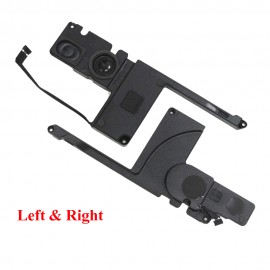
Replace speaker in your 2019 MacBook Pro 16" Retina laptop and fix issues with sound output.
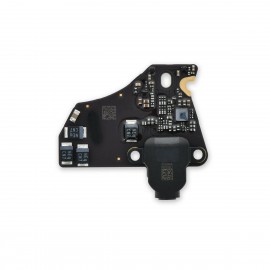
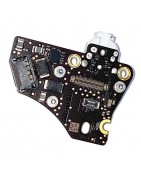
Replace a corroded, dirty, or damaged headphone jack by swapping in an audio daughterboard containing the headphone jack and connectors for one speaker and the Touch ID sensor.
Replace a damaged or missing antenna bar in 2019 model 16" MacBook Pro laptop.
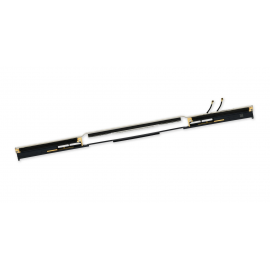
Replace speaker in your 2018 to 2019 MacBook Pro 15" Retina laptop and fix issues with sound output.
Replace a corroded, dirty, or damaged headphone jack by swapping in an audio daughterboard containing the headphone jack and connectors for one speaker and the Touch ID sensor.
Replace the antenna bar compatible with the model A2442 2021 14 inch MacBook Pro laptop.
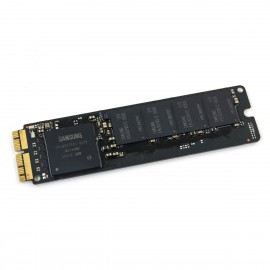
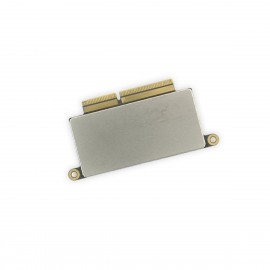
Replace or upgrade the SSD in your 2013-2015 MacBook Air 11", 2013-2017 MacBook Pro Retina 13", or 2015 MacBook Pro Retina 15" with this part.
All drives have been erased and do not have OS X installed.
Apple Part numbers are specific to solid-state drive capacity, refer to products options for details.
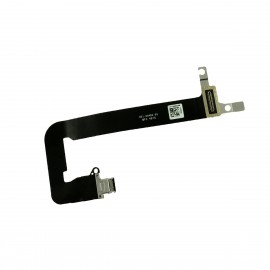
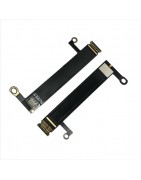
This cable connects the USB-C port to the logic board.
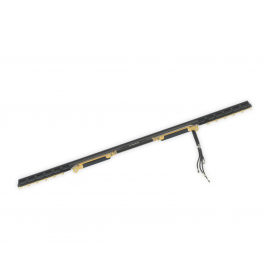
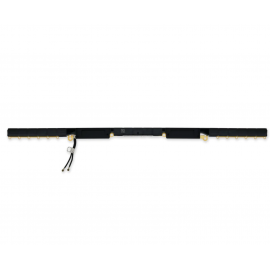
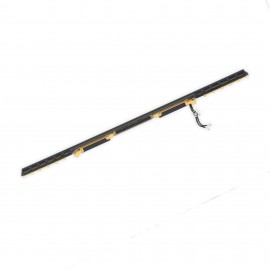
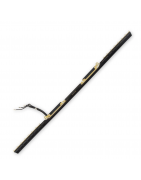
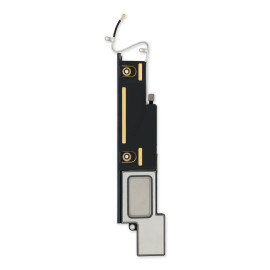
Replace the Antenna Bar compatible with a Late 2020 model A2337 13 inch Retina MacBook Air laptop.
This bar fits along the back edge of the upper case and contains the Wi-Fi antennas.
Replace speaker in your Late 2013 to Early 2015 MacBook Pro 15" Retina laptop and fix issues with sound output.
Replace or upgrade the SSD in your 2013-2015 MacBook Air 11", 2013-2017 MacBook Pro Retina 13", or 2015 MacBook Pro Retina 15" with this part.
All drives have been erased and do not have OS X installed.
Apple Part numbers are specific to solid-state drive capacity, refer to products options for details.
Replace a corroded, dirty, or damaged headphone jack by swapping in an audio daughterboard.
Replace the Antenna Bar compatible with the Late 2018 to 2019 and Early 2020 13" Retina MacBook Air laptop.
This bar fits along the back edge of the upper case and contains the Wi-Fi antennas.
Replace speaker in your Late 2013 to Early 2015 MacBook Pro 13" Retina laptop and fix issues with sound output.
Replace or upgrade the SSD in your laptop. This SSD is compatible with a Late 2013 or Mid 2014 MacBook Pro 13" Retina laptop.
Replace a damaged or corroded USB-C port and the flex cable that attaches it to the logic board in an early 2016 or 2017 model 12" Retina MacBook.
Replace a broken or damaged antenna bar compatible with the 2016 or 2017 13" MacBook Pro Retina Function Keys laptop.
This bar fits along the back edge of the upper case and contains the Wi-Fi antennas.